How to Run Hermes with Nous Portal
Use Hermes Agent with Nous Portal — a simple setup guide covering sign-in, models, and cloud sync.
Setting up an AI agent used to feel like assembling furniture with missing screws—except the screws are API keys, and the furniture is your entire workflow.
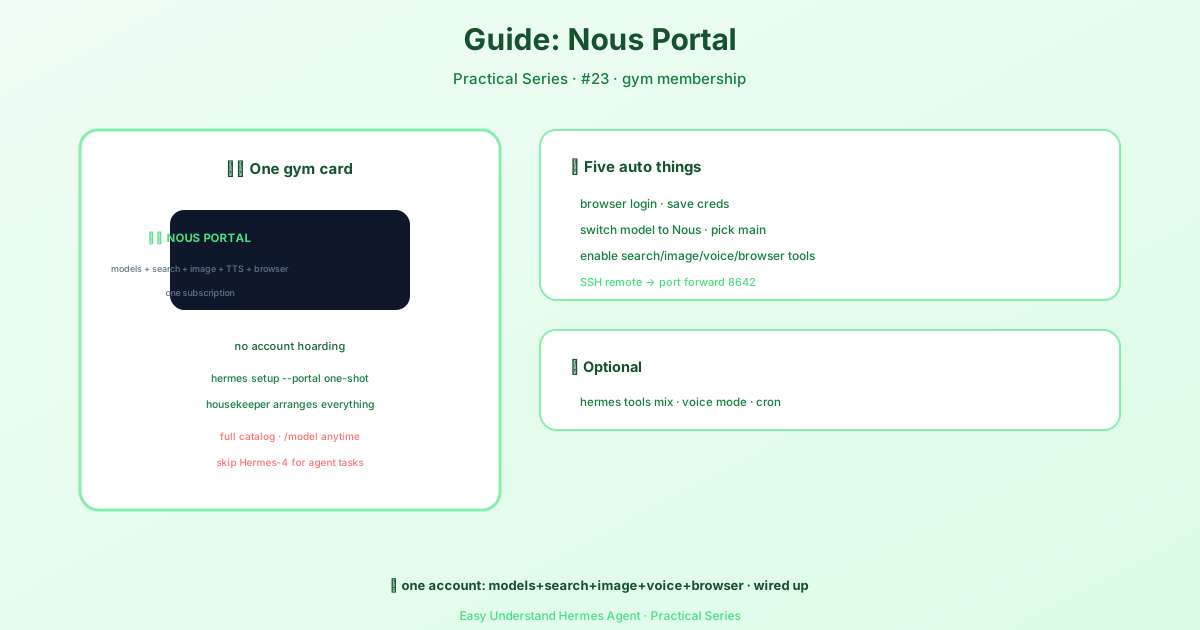
One Login to Rule Them All
If you’ve ever managed separate accounts for OpenAI, Anthropic, Google, and a dozen other AI providers, you know the pain. Each one has its own billing page, its own API key, its own rate limits, and its own little panic attack when you hit a zero balance mid-task.
Nous Portal fixes this with a single OAuth login. One subscription, one bill, and access to over 300 frontier models from every major lab. No more juggling.
The Fastest Setup You’ll Ever Do
Here’s the magic command:
hermes setup --portalThat’s it. Run this, and Hermes Agent will:
- Walk you through Portal OAuth login
- Let you pick a Nous model
- Set Nous as your inference provider in
config.yaml - Turn on the Tool Gateway automatically
You’re ready to chat with your agent immediately:
hermes chatNo separate API keys. No manual config editing. No “please wait while we verify your payment method” screens.
What Your Subscription Actually Gets You
300+ Models, One Bill
Remember the old days of buying credits per lab? Portal kills that. Want Claude Opus 4.7 for a complex code review? Use it. Need Gemini 3 Pro for a 200-page document? Switch mid-session with /model. DeepSeek V4 Pro for math? Go wild.
The Portal routes each model to the best backend automatically—some through OpenRouter, others through proprietary providers. You never see the plumbing. You just see results.
Here’s a taste of what’s inside:
| Family | Example Models |
|---|---|
| Anthropic | Opus 4.7, Sonnet 4.6 |
| OpenAI | GPT-5.5, GPT-5.4 Mini |
| Gemini 3 Pro, Flash Lite | |
| DeepSeek | V4 Pro |
| Qwen | Qwen3.7-Max |
| Hermes | Hermes-4-405B |
Plus 280+ more. The full agentic frontier, one subscription.
The Tool Gateway
Here’s where it gets fun. The same login unlocks the Tool Gateway—Nous-managed infrastructure for Hermes Agent’s tool calls. Five backends, one login:
- Web search & extract — real-time information and clean page text, no scraping code
- Image generation — nine models under one endpoint, no separate image API key
- Text-to-speech — high-quality TTS without a separate OpenAI key, and it powers voice mode across messaging platforms
- Cloud browser automation — headless Chromium sessions for browsing and clicking
- Cloud terminal sandbox — serverless sandboxes for code execution (optional add-on)
This means your agent can browse the web, fetch pages, generate images, and speak—without you setting up a single extra API key.
One Warning Before You Dive In
Because Portal routes models through multiple backends, don’t expect OpenRouter-specific features to work everywhere. Things like provider routing preferences or cache_control headers might be ignored depending on which backend serves your model. Keep your requests simple, and you’ll be fine.
A Quick Note on Hermes 4
Nous Research’s own Hermes 4 models (Hermes-4-70B, Hermes-4-405B) are available through the Portal at heavily discounted rates. They’re great chat and reasoning models—but they’re not recommended inside Hermes Agent, since they’re tuned for conversation rather than the rapid-fire tool-calling loop the agent relies on. For agent work, pick a frontier agentic model from the catalog instead.
The Bottom Line
If you’re using Hermes Agent, Portal is the single highest-leverage setup step you can take. It removes the credential chaos, consolidates billing, and gives you instant access to the best models on the market.
Practical tip: Start with a free or trial subscription at portal.nousresearch.com/manage-subscription, run hermes setup --portal, and spend your first hour just switching between models with /model to see which ones fit your workflow best. You’ll know your favorite within a day—and you’ll never go back to managing API keys again.
📖 Official Docs
This article is based on the official Hermes Agent documentation:Official docs › integrations/nous-portal