Your AI Sidekick, Now More Rock-Solid
Hermes v2026.8.3 update: easy-to-understand summary of new features
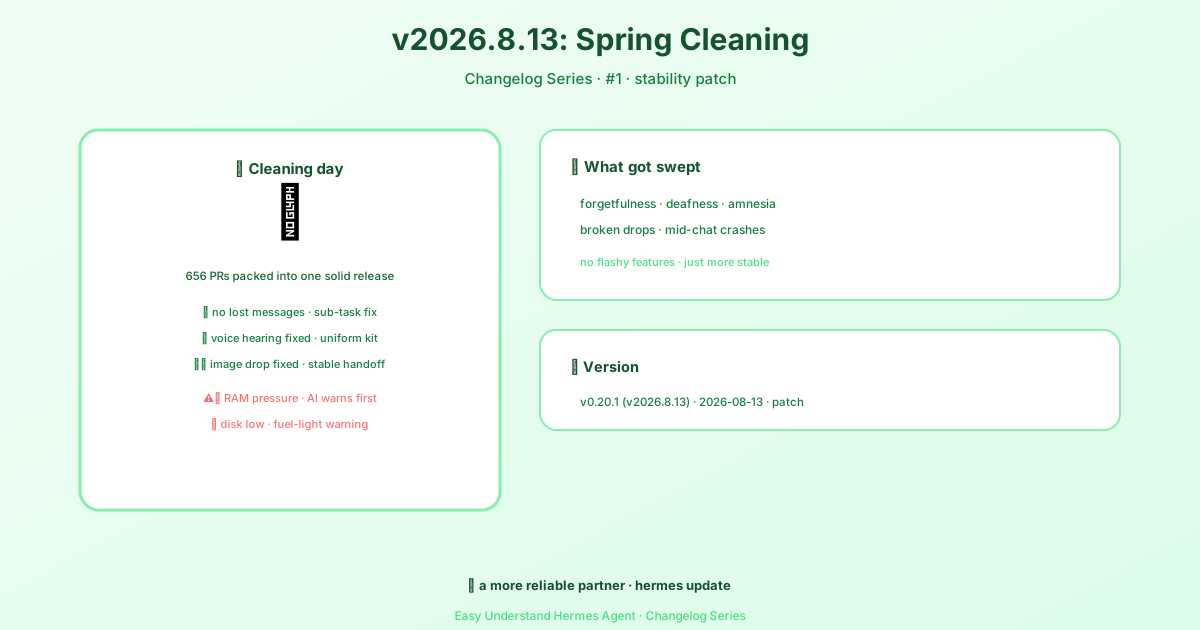
Version Information
| Item | Details |
|---|---|
| Version | v0.20.1 (tag v2026.8.13) |
| Release Date | August 13, 2026 |
| Official Notes | Patch release that consolidates roughly 656 merged pull requests since v0.20.0, providing a stable build for downstream users. |
In plain terms: this is a “spring cleaning” update. No flashy new features — just a solid, reliable release that bundles together a few hundred fixes from the past ten days.
What This Means in Plain English
Your AI Assistant Won’t Drop the Ball Mid-Task Anymore
Ever had this happen: you ask your AI to handle a multi-step task — “first research this, then write a summary, then send an email” — and somewhere in the middle it just… forgets what it was doing? Or the message gets lost in transit?
This update fixes the “subtask message loss” issue. Think of it this way: previously, your AI assistant would send a helper to go look something up, and that helper would come back having lost the note along the way, stalling the whole task. Now, the messaging system is more reliable — notes don’t vanish halfway through.
Voice Input No Longer “Goes Deaf”
If you use voice to talk to your AI, you might have run into this: AI assistants created through a specific method suddenly stopped responding to voice input — you’d say “help me write an email” and it would act like it heard nothing.
This update fixes that, ensuring that no matter how you set up your AI assistant, its “ears” (speech recognition) and “mouth” (speech output) both work properly. It’s like giving every assistant the same headset and microphone — no more “this one can’t hear me” situations.
Dragging and Dropping Images — No More Fumbles
On the desktop version, you might drag an image directly to your AI for analysis or processing. Occasionally, something awkward would happen: the image would appear to drop in, but the AI never received it — or it got a corrupted file.
This update fixes the gap between “dragging the image in” and “the AI actually seeing it.” It’s like handing something to someone — before, your hand might slip and the item would drop; now, it’s guaranteed to land safely in their hands.
Your Computer’s Under Pressure — AI Will Now Warn You
If your computer is low on memory, your AI might lag or even suddenly restart. Before, you’d only find out by thinking, “Huh, why did it just cut out mid-conversation?”
Now, the AI will proactively tell you: “Your computer’s memory is under a lot of pressure — I might need to take a break.” Just like your phone warns you when the battery is low, the AI will give you an early heads-up instead of suddenly blanking out mid-chat.
Low Disk Space? AI Gives You a Heads-Up
Similarly, if your hard drive is nearly full, the AI will show a banner in the interface letting you know “disk space is running low.” It’s like the fuel light coming on in your car — it reminds you to fill up before you stall out on the highway.
Summary
This update doesn’t bring any thrilling new features — but it’s exactly this kind of “stability release” that makes your AI assistant feel like a truly dependable partner. It no longer loses track of things, no longer fails to hear you, no longer suddenly blanks out — and it even proactively keeps an eye on your computer’s health.
If you’re already using Hermes Agent, go ahead and run hermes update to get these fixes applied. If you haven’t tried it yet, now’s a great time to jump in — because the foundation just got a whole lot sturdier.
📎 Official Release Notes: https://github.com/NousResearch/hermes-agent/releases