Image Generation — AI Draws Pictures
Image Generation — AI Draws Pictures — easy-to-understand guide based on official docs
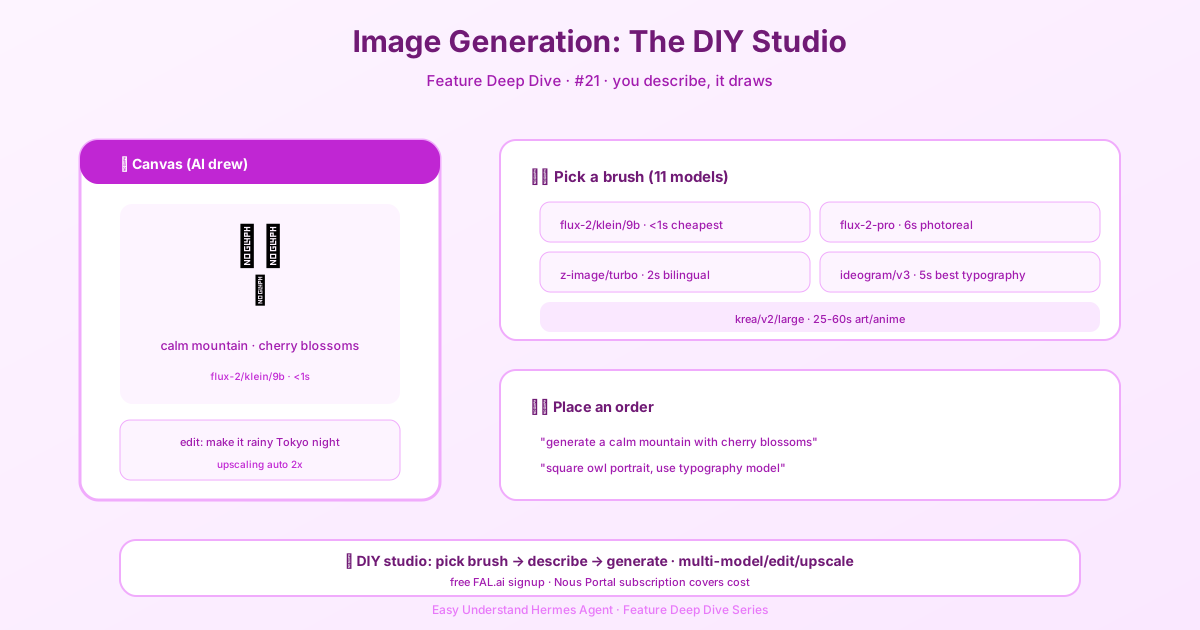
Image Generation — AI Draws Pictures
Remember when creating an image meant opening a heavy design tool, wrestling with layers, and praying your export didn’t crash? Those days are gone. With Hermes Agent, you can now generate pictures just by asking. No design skills required — just tell the agent what you want, and it draws it for you.
What’s New in Image Generation
The latest update makes image generation more practical and easier to use than ever. The agent now handles the heavy lifting: you describe the image, and it picks the right approach to create it. Whether you need a quick illustration for a blog post, a concept mockup for a client, or just a fun visual for a presentation, Hermes has you covered.
How It Works
The magic happens right in your chat. You don’t need to switch tools or learn a new interface. Just type something like:
Create an image of a cozy mountain cabin at sunset, with warm lights glowing from the windows and a stream running nearby.The agent will take your description, generate the image, and deliver it to your chat. You can then download it, share it, or use it wherever you need.
Key Features You’ll Love
Natural language prompts. You don’t need to learn special syntax or keywords. Just describe what you see in your mind’s eye. The more detail you give, the closer the result will be to what you imagined.
Multiple styles supported. Want a photorealistic image? A watercolor painting? A 3D render? Just say so. The agent understands style descriptors and applies them to your image.
Iterate and refine. Not happy with the first result? No problem. You can ask for changes: “Make the cabin bigger,” “Change the color of the sky to purple,” “Add a dog sitting by the door.” Each request generates a new version based on your feedback.
Delivered right to your channel. Images come straight to your Telegram, Discord, or wherever you’re chatting with Hermes. No need to hunt through folders or email attachments.
Practical Use Cases
Here are a few ways people are using image generation every day:
- Blog and social media visuals. Create custom header images, thumbnails, or illustrations without hiring a designer.
- Concept exploration. Sketch out ideas for products, websites, or marketing campaigns before investing in professional design work.
- Presentations and reports. Add custom visuals to make your slides stand out.
- Personal projects. Generate avatars, wallpapers, or just fun images to share with friends.
Tips for Better Results
Be specific about composition. Mention the subject, background, lighting, and mood. Instead of “a dog,” try “a golden retriever sitting on a wooden porch, soft morning light, shallow depth of field.”
Specify the style. If you want something that looks like a painting, a photo, or an illustration, say so upfront. This helps the agent choose the right generation settings.
Use reference points. You can mention famous styles or artists: “in the style of Studio Ghibli,” “like a vintage travel poster,” “ultra-realistic product photography.”
Iterate in small steps. Instead of rewriting your entire prompt, make one change at a time. This gives you more control over the final result.
What About Automation?
Here’s where it gets really interesting. You can combine image generation with Hermes’s automation features. For example, you could set up a cron job that generates a daily weather illustration for your city, or a weekly chart visualization for your team. The agent can even use scripts to fetch data first, then generate an image based on that data.
Imagine a morning briefing that includes a custom-generated image of today’s forecast, or a weekly report that comes with a visual summary of your team’s activity. The possibilities are only limited by your imagination.
Getting Started
Ready to try it? Just open a chat with Hermes and ask for an image. Start simple, experiment with different descriptions, and see what works best for you. The more you practice, the better you’ll get at crafting prompts that produce exactly what you want.
And remember — you don’t need to be an artist or a designer. Hermes Agent is here to turn your words into pictures, making image creation accessible to everyone.
📖 Official Docs
This article is based on the official Hermes Agent documentation:Official docs › guides/automate-with-cron