Hermes v2026.4.8 Update: Take Full Control of Your Models
Hermes v2026.4.8 (2026-04-08) update: Hermes Agent v0.8.0 (v2026.4.8)
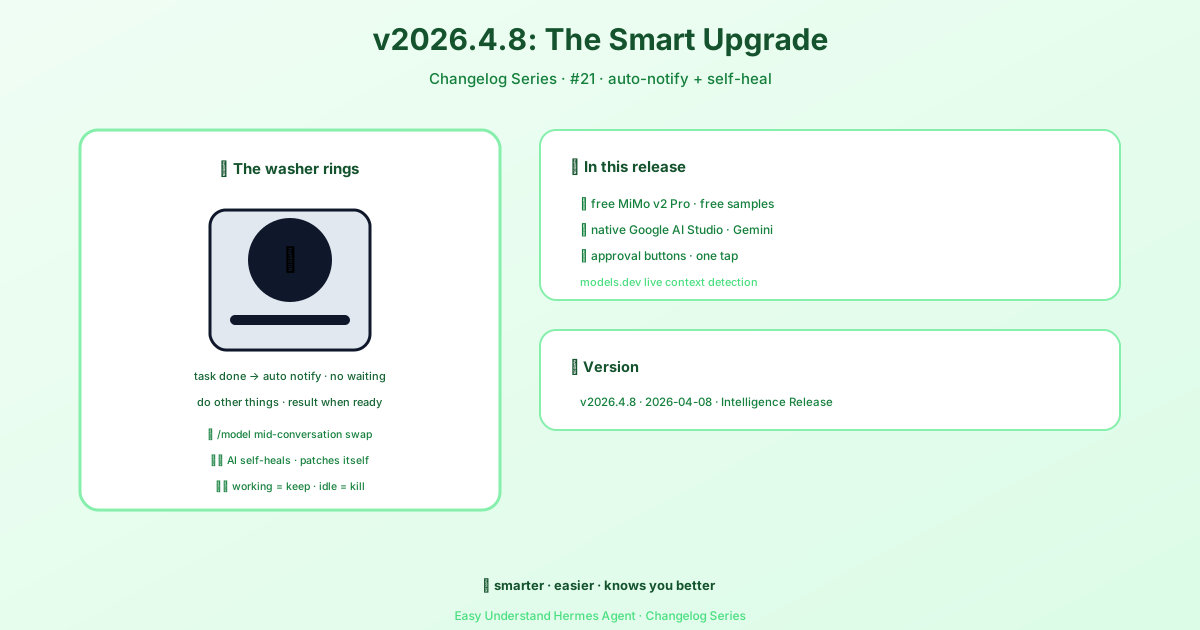
Hermes v2026.4.8 Update: Take Full Control of Your Models
Hey there, Hermes users! The latest update is all about giving you the steering wheel when it comes to AI models. We’ve completely revamped how you configure and switch between models, making it easier than ever to get the perfect balance of speed, cost, and intelligence. Let’s dive into what’s new.
Two Kinds of Models, One Simple Dashboard
Think of Hermes as having two types of “workers”:
- Main model: This is your star player. It handles every user message, every tool call, and every response. It’s the brain of your agent.
- Auxiliary models: These are your support crew. They handle smaller side-jobs like compressing long conversations, analyzing images, summarizing web pages, and even generating session titles. You get 11 different auxiliary slots, each customizable.
The best part? You can now manage all of this from a shiny new Models page in the dashboard. No more digging through config files (unless you want to, of course).
Setting Your Main Model: It’s a Breeze
Head to the Models page in your dashboard sidebar. You’ll see two sections: Model Settings at the top and Usage Analytics below (showing token counts and costs for every model you’ve used).
To change your main model, just click Change on the Main model row. A handy picker pops up with two columns:
- Left side: Shows only the providers you’ve actually set up (with API keys or OAuth). If a provider is missing, just head to Keys to add it.
- Right side: A curated list of recommended agentic models for that provider. We’ve filtered out the noise (no TTS or image generators here) so you get the good stuff.
Pick your model, hit Switch, and you’re done. Hermes saves it to your config automatically.
Hot-Swapping Mid-Conversation
Here’s a cool trick: you can switch models inside an active chat using the /model slash command (on Telegram, Discord, or the Hermes TUI). The switch applies instantly, but keep in mind:
- Context warnings: If your session is getting long, Hermes will warn you if the new model might need to compress the conversation before answering.
- Cache reset: Switching models mid-chat means the next message re-reads the entire conversation at full price (no cached discount). So, switch early in a conversation if you can—it’s cheaper!
Auxiliary Models: Fine-Tune Your Sidekicks
Click Show auxiliary to see all 11 task slots. By default, everything is set to auto, meaning Hermes tries your main model for those jobs too. But if you want a cheaper or faster model for, say, image analysis, you can override any slot individually.
New Command: Unattended Data-Training Tiers
Some models (like muse-spark-1.2-contributor) are discounted because the vendor might train on your data. For interactive sessions, Hermes always asks for confirmation. But for automated workers (like cron jobs), it fails closed by default.
If you’re okay with this for your unattended workloads, you can now set a persistent acknowledgment:
hermes config set security.allow_data_training_tiers_noninteractive trueHermes will still print the data-policy warning on every startup for audit trails. To revoke it:
hermes config unset security.allow_data_training_tiers_noninteractiveQuick Start with Nous Portal
If you’re new, the fastest path is Nous Portal—300+ models under one subscription. Just run:
hermes setup --portalThat logs you in and sets Nous as your provider in one command. Portal subscribers also get 10% off token-billed providers. Sweet deal!
Wrapping Up
This update is all about flexibility. Whether you’re a power user who wants to fine-tune every slot or a beginner who just wants things to work, the new Models page has you covered. Check out the full docs for more details, and happy modeling!
📖 Official Docs
This article is based on the official Hermes Agent documentation:GitHub ›/releases/tag/v2026.4.8