Hermes Agent Pets — Desktop Pet List & Guide
Hermes Agent pets: install a desktop companion with hermes pets list, filter to cats, and see where the sprite shows up in the TUI and desktop app.
You know how a goldfish on your desk makes staring at spreadsheets slightly more bearable? Hermes Agent has something similar — except it’s a pixel cat that celebrates when your code finally runs.
What Is a Pet?
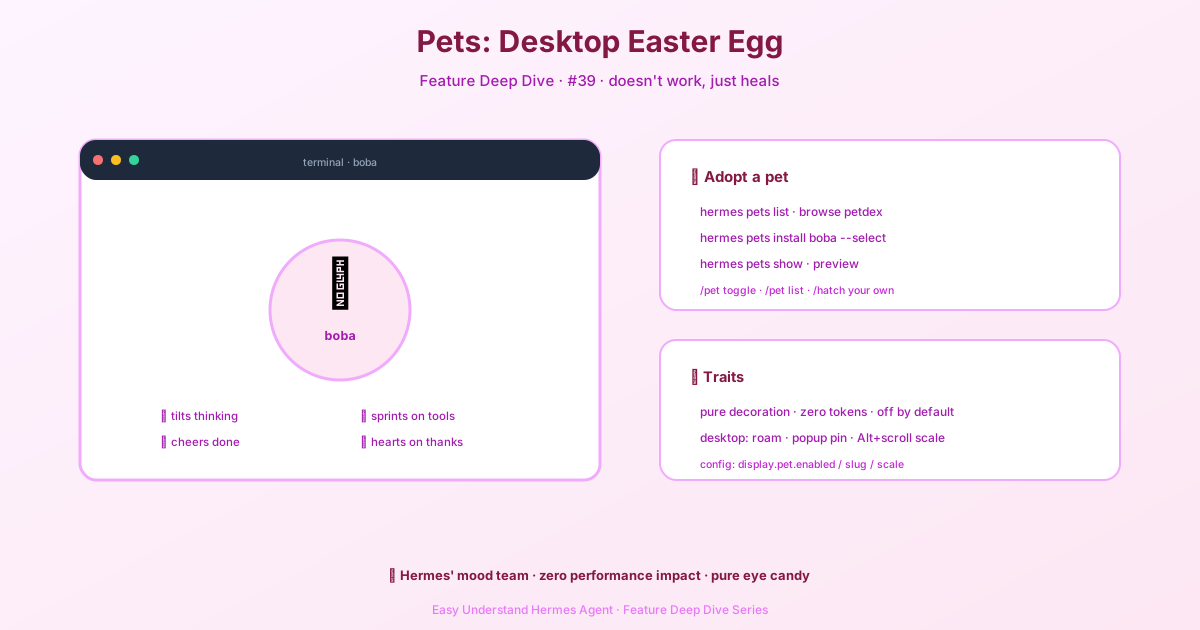
Pets are tiny, optional sprites that live inside your Hermes interface. They react to what the AI is doing in real time. When the model is thinking, the pet tilts its head. When a tool runs, it sprints. When everything finishes successfully, it jumps for joy.
Here’s the important part: pets are purely decorative. They don’t affect performance, token usage, or behavior. They’re off by default, and you have to turn them on manually. Think of them as a screensaver with a personality.
How to Install a Pet
Pets come from a public gallery called petdex. Once installed, they live in your personal config folder at <HERMES_HOME>/pets/. Each profile can have its own pet.
Quick start (CLI):
# See every available pet
hermes pets list

# Filter to cats only
hermes pets list cat
After you pick one, Hermes automatically writes the settings into your config.yaml (display.pet.slug and display.pet.enabled). No environment variables. No API keys. Just pick and go.
What Will Your Pet Do?
Pets have seven expressions, each tied to a different AI activity:
| What the AI is doing | Pet action |
|---|---|
| Tool execution fails | Looks frustrated |
| All tasks complete | Jumps in celebration |
| A clean turn ends | Waves goodbye |
| Running a tool | Runs across the screen |
| Model is thinking/reading | Tilts head, looks curious |
| Waiting for your confirmation | Waits (older versions: stares blankly) |
| Nothing happening | Idles around |
Where Can You See It?
- Terminal (CLI/TUI): If your terminal supports graphics protocols (kitty, Ghostty, WezTerm, iTerm2, or sixel), you get a crisp, high-resolution sprite. Otherwise, it degrades gracefully to a colorful Unicode half-block render. In non-interactive sessions (pipes or redirects), the pet stays hidden.
- Desktop app: The pet appears as a floating sprite on your canvas. Enable it via Settings → Appearance.
A Few Tips
Pets cost zero extra tokens and don’t touch your cache. So go wild — install three if you want.
One caveat: if you’re on an older terminal, check whether it supports graphics protocols first. Otherwise you’ll get a “pixelated” version of your pet — which, honestly, is its own kind of charming.
Practical advice: Use the pet as a mood ring. See it running? The AI is busy. See it waving? That turn is done. If you prefer a clean, minimal interface, just leave it off — it really is just an easter egg.
Bottom line: The pet system gives your AI assistant a bit of warmth — zero cost, zero risk, purely for fun. Try installing a kitten and let it keep you company while you ship your next feature.
📖 Official Docs
This article is based on the official Hermes Agent documentation:Official docs › user-guide/features/pets