Hermes v2026.3.28 Update: Telegram Setup Made Simple
Hermes v2026.3.28 (2026-03-28) update: Hermes Agent v0.5.0 (v2026.3.28)
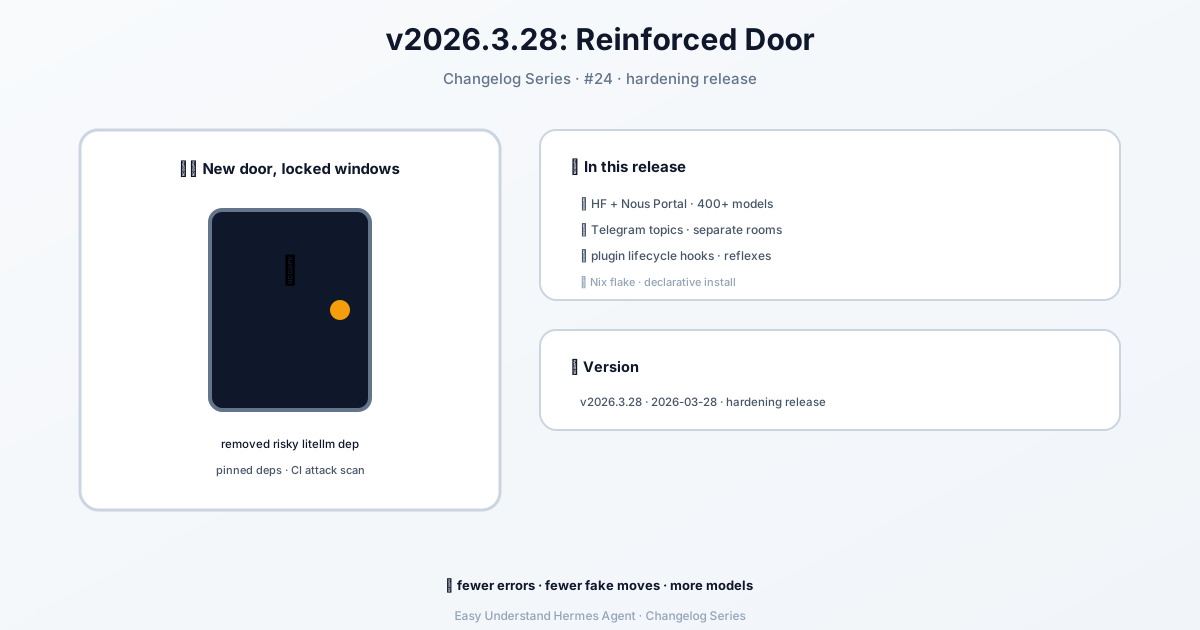
Hermes v2026.3.28 Update: Telegram Setup Made Simple
Telegram is one of the most popular ways to chat with your Hermes Agent. In this update, we’ve polished the setup process and added some handy new options. Whether you’re a complete beginner or a seasoned pro, this guide will get you chatting with your agent in no time.
Step 1: Create Your Bot
First things first, you need a bot token. This is like a secret key that lets Hermes control your bot. Here’s how to get one:
- Open Telegram and search for @BotFather (or visit t.me/BotFather)
- Send
/newbot - Pick a display name (anything you like, e.g., “Hermes Agent”)
- Choose a username that ends in
bot(e.g.,my_hermes_bot) - BotFather will reply with your API token
Your token will look something like this:
123456789:ABCdefGHIjklMNOpqrSTUvwxYZImportant: Keep this token secret! Anyone with it can control your bot. If it ever leaks, revoke it immediately with /revoke in BotFather.
Step 2: Customize Your Bot (Optional but Recommended)
You can make your bot more user-friendly with a few quick BotFather commands:
| Command | Purpose |
|---|---|
/setdescription |
The “What can this bot do?” text shown before chatting |
/setabouttext |
Short text on the bot’s profile page |
/setuserpic |
Upload an avatar |
/setcommands |
Define the / command menu |
/setprivacy |
Control group message visibility (see Step 3) |
For /setcommands, a good starting set is:
help - Show help information
new - Start a new conversation
sethome - Set this chat as the home channel
New: Online/Offline Status Indicator
Telegram bots don’t have a green “online” dot like user accounts. But now you can show your bot’s status in its profile description! Enable it in your config:
gateway:
  platforms:
    telegram:
      extra:
        status_indicator: true
        status_online: "🟢 Online"
        status_offline: "🔴 Offline"
The status updates to Online when the gateway connects and Offline on a clean shutdown. Note that this is global (visible to everyone), and a hard crash won’t update it — that’s a Telegram limitation.
New: Command Menu Priority
Hermes automatically registers its command menu when the gateway starts. By default, it caps at 60 commands for reliability (Telegram allows up to 100, but large payloads can fail). You can customize which commands appear first:
platforms:
  telegram:
    extra:
      command_menu:
        max_commands: 60
        priority_mode: prepend  # prepend | append | replace
        priority:
- my_plugin_commandprepend: Your commands first, then Hermes defaultsappend: Hermes defaults first, then yoursreplace: Use only your list for priority ordering
Step 3: Privacy Mode — The #1 Gotcha
This is the most common source of confusion. Telegram bots have privacy mode enabled by default. This means your bot can only see:
- Messages starting with
/ - Replies to its own messages
- Service messages (joins, leaves, pins)
- Messages in channels where it’s admin
With privacy mode OFF, the bot sees everything in the group.
To disable it:
- Message @BotFather
- Send
/mybots - Select your bot
- Go to Bot Settings → Group Privacy → Turn off
Warning: You must remove and re-add the bot to any group after changing this. Telegram caches the privacy state!
Alternative: Promote the bot to group admin — admins always see all messages, no privacy toggle needed.
New: Observe Group Chatter Without Auto-Replying
Want your bot to see group messages but only respond when mentioned? This new mode is perfect for that:
telegram:
  allowed_chats:
    - "-1001234567890"
  group_allowed_chats:
    - "-1001234567890"
  require_mention: true
  observe_unmentioned_group_messages: true
With this enabled, unmentioned messages from allowlisted chats are added to the session transcript as context, but they don’t trigger the agent. A later @botname mention will have full context of what was said.
Wrapping Up
That’s it! You’re now ready to chat with your Hermes Agent on Telegram from anywhere. The new status indicator, command menu controls, and group observation mode give you more flexibility than ever. Happy chatting!
📖 Official Docs
This article is based on the official Hermes Agent documentation:GitHub ›/releases/tag/v2026.3.28